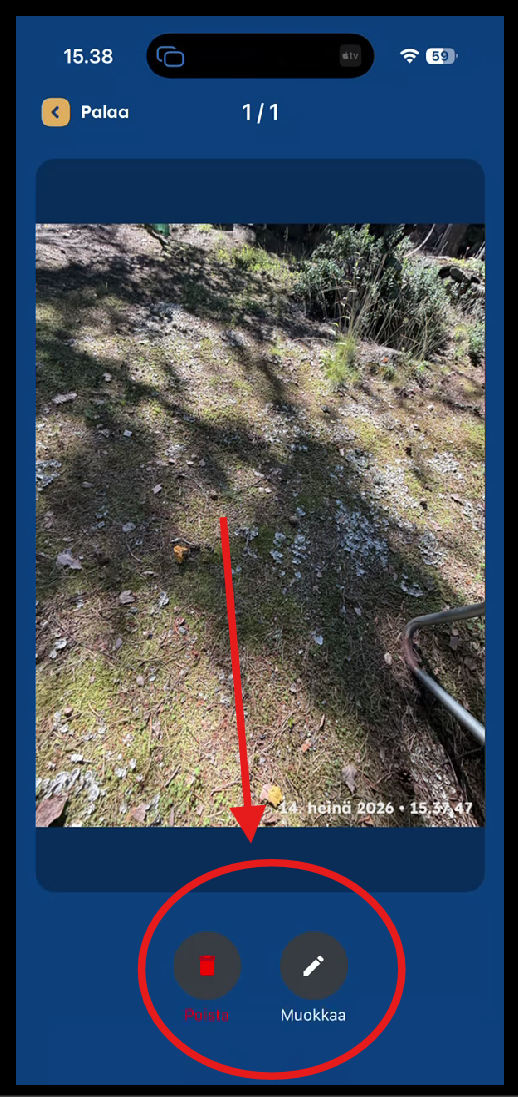
Sometimes you may accidentally capture unwanted photos. You can delete an image either:
- Immediately after taking it from the camera screen, or
- Later from the Gallery.
Important: In the mobile app, images can only be deleted within 24 hours of being captured. This helps prevent accidental or malicious deletion of older images.
In the web application, users with the Administrator or Senior Manager role can also delete older images.
Deleting Images from the Gallery
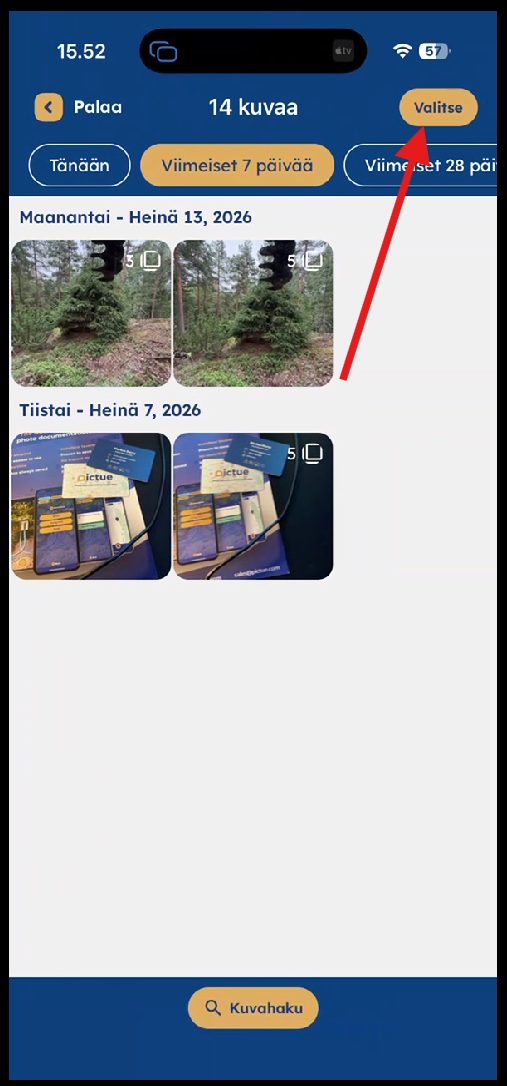
Tap Select to choose the images you want to delete.
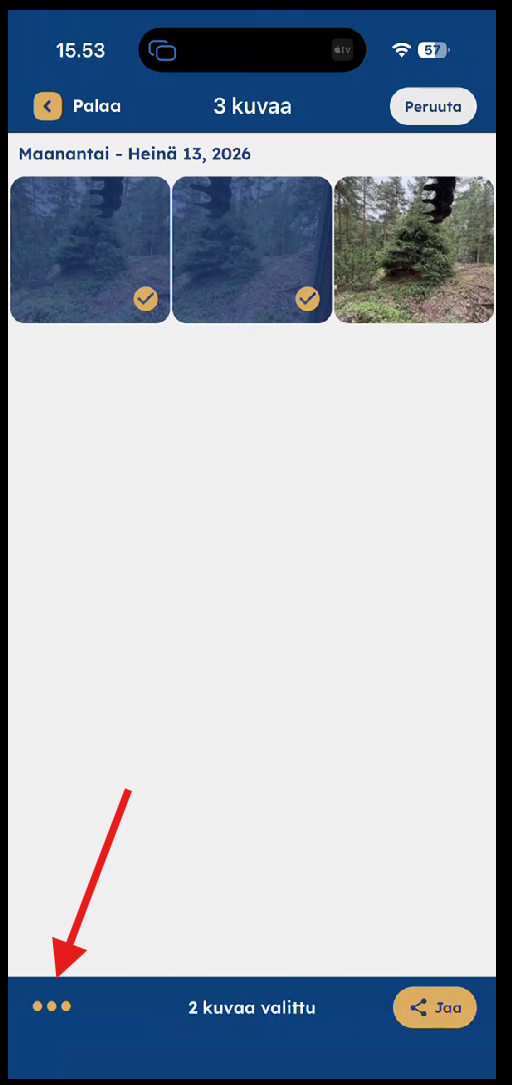
Select the required images and tap the three-dot menu at the bottom of the screen.
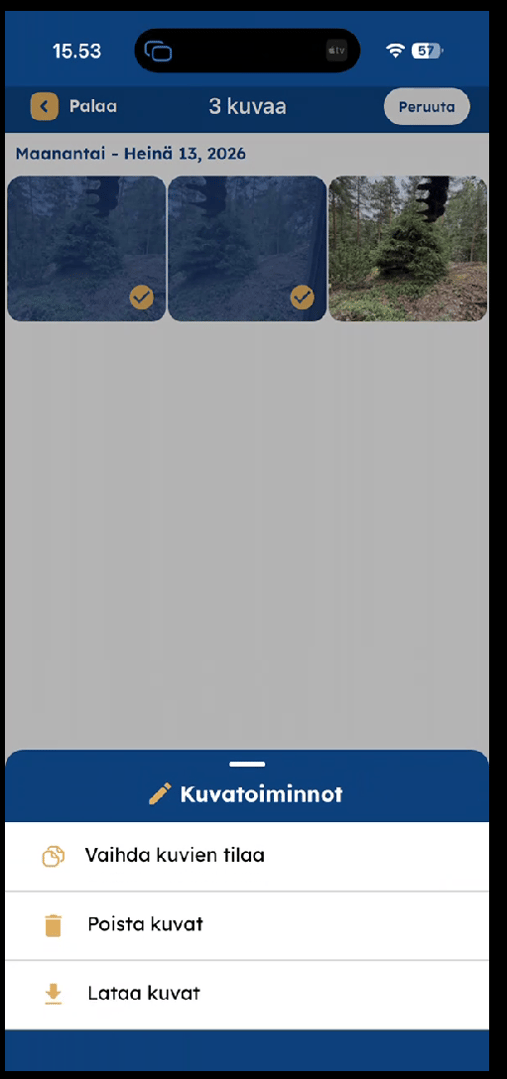
Tap Delete Images.