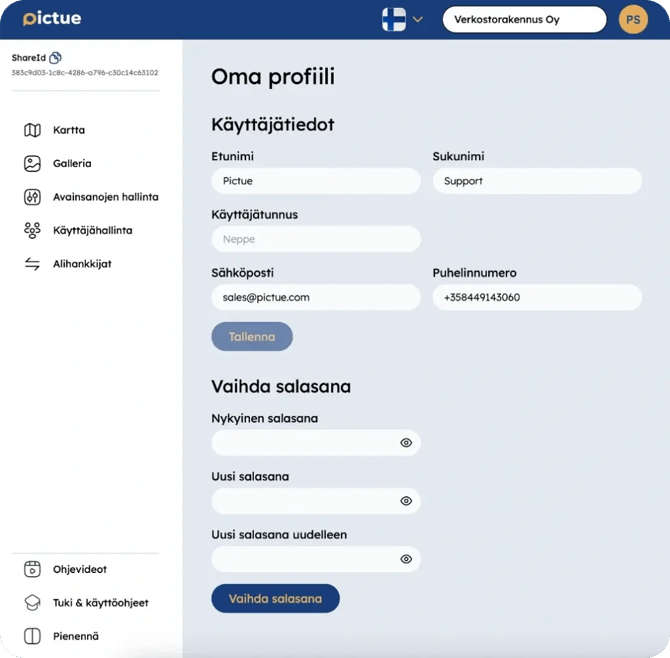
You can change your password in the web application by opening My Profile from the drop-down menu in the top-right corner of the page.
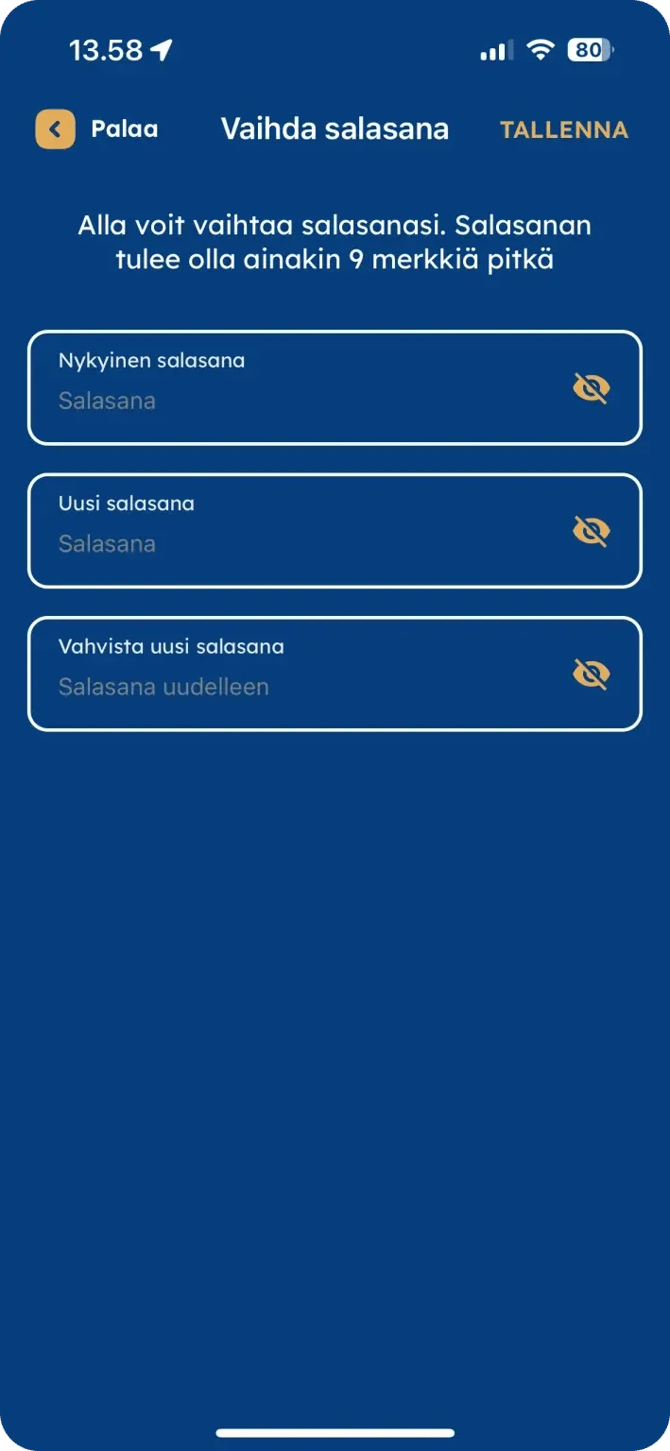
You can also change your password in the mobile app by opening the menu from the profile icon in the top-right corner of the screen.
Changing your password requires you to enter your current password and then enter your new password twice to confirm it has been typed correctly.
Changing your password is different from resetting your password. A password reset is performed from the sign-in page and should be used if you have forgotten your password. After requesting a password reset, you'll receive an email containing a link to create a new password.
If you have forgotten your password, you can reset it here.