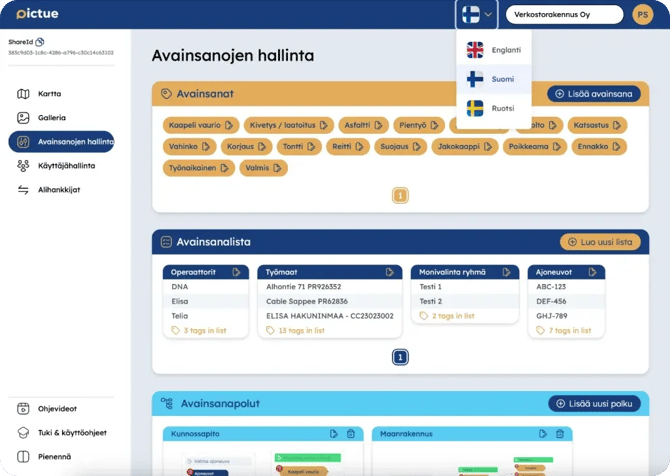
ou can change the language in the web application either from the bottom of the sign-in screen before signing in, or after signing in by using the language selector located to the left of your organisation's name at the top of the page.
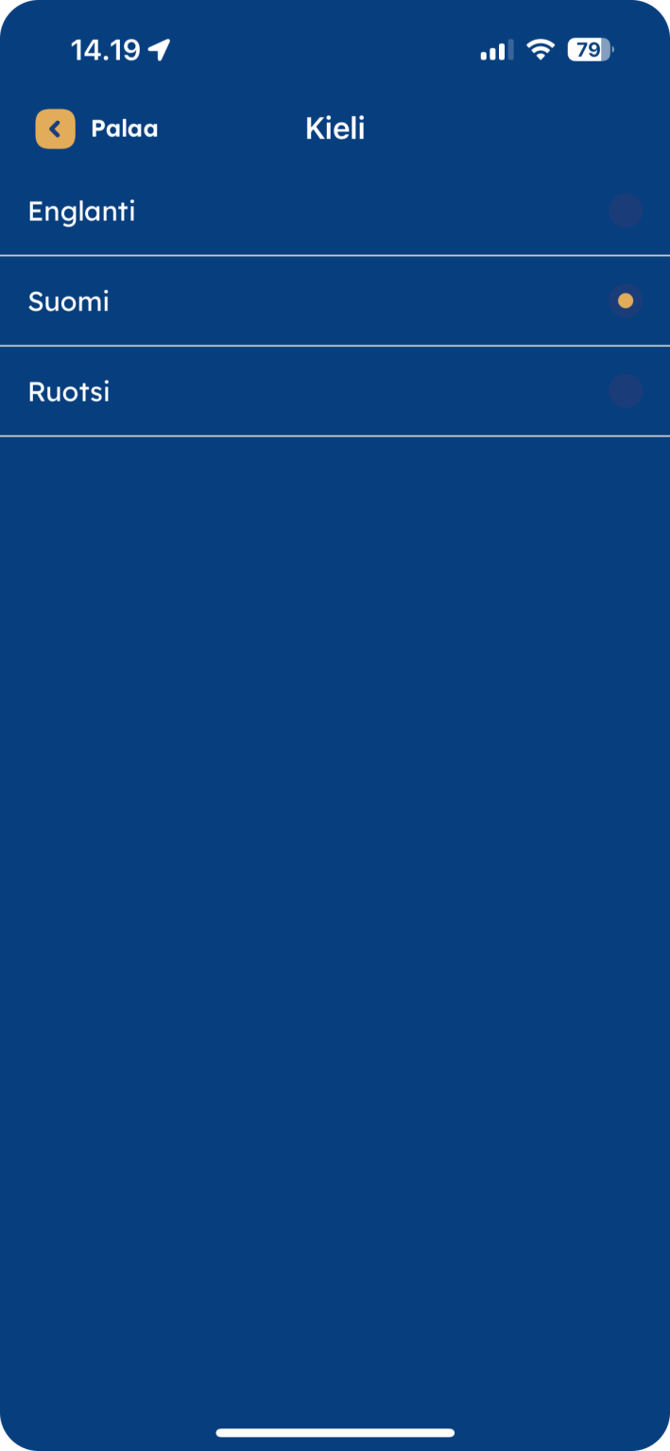
In the mobile app, you can change the language from Settings, which can be accessed from the top-right corner of the screen.
Changing the language updates all visible interface text to your selected language. However, it does not translate your Keyword Paths, Keywords, or Keyword List items. The language setting is also independent for each platform, meaning that changing the language in the web application will not automatically change it in the mobile app, and vice versa.
Pictue is now also available in Ukrainian.